

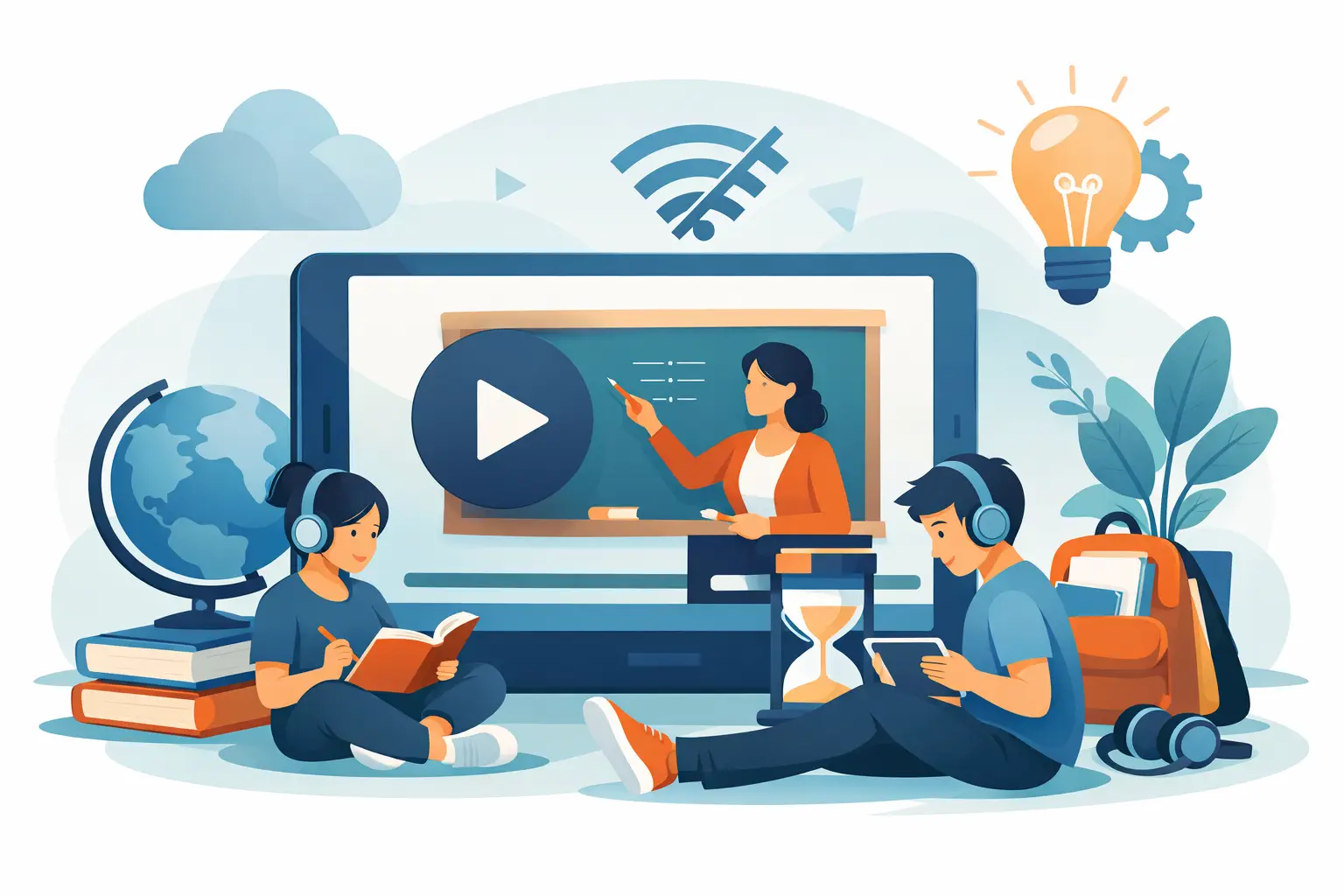
A missed live class should not become a missed chapter. For a student preparing for a math test, struggling with a chemistry diagram, or revising before a school exam, offline learning videos for students provide something genuinely valuable: the freedom to learn again, at the right pace, without depending on a stable internet connection.
For many families, this is not simply a convenience feature. Internet interruptions, busy household schedules, travel, and different time zones can make a fixed online class difficult to attend. Downloadable, syllabus-aligned lessons give students a dependable study option that stays available when they need it most. The result is less panic before exams and more time for calm, focused revision.
Why offline video learning supports better results
A classroom lesson moves at one speed. A student’s understanding does not. In science and mathematics especially, one missed step can make the next topic feel impossible. A student who does not understand fractions may struggle with algebra later. A student who misses the logic behind balancing chemical equations may resort to memorizing steps without knowing why they work.
Offline videos allow students to pause at the confusing moment, replay an example, and review it until the method feels familiar. That repeated exposure is useful because it turns a one-time explanation into a personal revision resource. Instead of saying, “I did not understand it in class,” students can return to the exact explanation and try again.
This also builds confidence. When students can review a chapter privately, they are more likely to attempt questions in a live class or ask a specific doubt afterward. They arrive better prepared, rather than feeling left behind.
For parents, offline access adds consistency. Learning does not have to stop because the Wi-Fi is slow, the family is traveling, or a child has limited access to a device during the day. A saved lesson can support a daily study routine at home, during a commute, or while visiting family.
What makes offline learning videos for students effective
Not every recorded video creates meaningful learning. A long lecture with no structure may be difficult to follow, even when it is available offline. Students need lessons designed for school performance: clear, chapter-based, visual, and connected to the questions they will face in class and exams.
The strongest videos begin with the concept, then show how it appears in the textbook and in exam-style problems. An animated explanation of photosynthesis, for example, can make the process easier to picture. But students also need to know how to label a diagram, explain the process in their own words, and answer the marks-based questions their school may ask.
For mathematics, a good video should not rush to the final answer. It should show the method step by step, point out common mistakes, and give students a chance to pause before attempting a similar problem. This is where video replay becomes more than passive screen time. It becomes guided practice.
Shorter, well-organized lessons often work better than one very long recording. A student can complete a focused 15- to 25-minute concept video, take notes, solve a few questions, and return later for a second review. That rhythm is easier to maintain than trying to absorb an entire chapter in one sitting.
A practical routine for using downloaded lessons
Offline videos are most useful when they are part of an active routine, not a replacement for thinking. Watching several lessons back-to-back can feel productive while leaving little behind. The goal should be understanding, recall, and application.
Start with the chapter your child is currently learning at school. Watch the relevant lesson with a notebook open. Students should write key formulas, definitions, diagrams, and the steps that were difficult to follow. Pausing to solve a question before the instructor explains it is one of the simplest ways to turn viewing into learning.
After the video, move directly to practice. A few textbook questions, a worksheet, or chapter-wise practice questions will show whether the idea is clear. If the student gets stuck, they should return to the specific section of the video rather than restarting the whole lesson. This saves time and teaches them to identify the exact gap in their understanding.
At the end of the week, a short revision session helps keep concepts active. Rewatching only the most challenging parts, reviewing notes, and taking a small test can prevent last-minute cramming. For students aiming for 90+ scores, this regular cycle matters more than occasional marathon study sessions.
Offline access works best alongside live support
Recorded lessons offer flexibility, but they cannot fully replace interaction. Some students need encouragement to stay on schedule. Others may understand the video but still have a doubt about a particular step, formula, or answer-writing format. That is why the best learning model combines offline revision with live classes, doubt support, and regular assessments.
Think of offline videos as the student’s revision library. Live classes provide direction and interaction. Practice questions reveal weak areas. Home tests and mock exams show whether the student can use knowledge under exam conditions. Together, these pieces create a more complete path from “I watched the chapter” to “I can score well on this chapter.”
At OurOwn, this approach supports CBSE students with chapter-based animated lessons, live learning, notes, practice material, tests, and doubt resolution. Students can revisit lessons without waiting for another explanation, while parents gain greater visibility into whether revision is happening consistently.
What parents should check before choosing a platform
Offline access is valuable, but families should look beyond the download button. First, check whether videos follow the child’s grade level and syllabus. A well-made lesson that does not match the school’s chapter sequence may still be useful, but it will not solve an immediate academic need.
Next, consider clarity and language. Students learn better when explanations are easy to understand and examples are close to what they see in their textbooks. Multilingual options can be especially helpful for families whose children understand concepts more confidently in a familiar language.
It is also worth checking how progress is supported. Video content alone may suit a self-disciplined student, but a child who avoids difficult subjects may need scheduled classes, parent updates, reminders, or a mentor who can keep learning on track. The right choice depends on the student, not just the device.
Finally, pay attention to practical limits. Downloaded videos require storage space, and students still need healthy screen habits. A focused session followed by written practice is more effective than hours of passive viewing. Families should also make sure the content can be accessed safely within the app and updated when the syllabus or academic year changes.
Turning flexible study time into confidence
Offline learning is particularly helpful during exam preparation because it gives students control over revision. They can revisit a weak chapter after school, review a formula before a quiz, or watch a missed lesson while traveling. This flexibility can reduce the pressure that often builds when students feel they have only one chance to understand a topic.
The real value is not that a video is available without the internet. It is that the student has another opportunity to learn, practice, and improve. With structured lessons, active note-taking, question practice, and timely doubt support, each replay can move a child closer to stronger marks and greater confidence.
A dependable lesson library gives students a simple message when a chapter feels difficult: you do not have to give up, and you do not have to fall behind. Pause, replay, practice, and keep moving toward the score you know you can achieve.